
Stream + record
Live now.
Yours for later.
Send the game to your YouTube channel and keep a full recording on your phone.
Made for your side of the court
From the first serve to the rally worth replaying. Stream volleyball, record on your iPhone, and make every session your own.
Games · Practices · Draw tournaments
Set up. Play. Keep the good stuff.
Beach or indoor. A full team or just your pair. Courtside brings your camera, your roster, and your footage together.
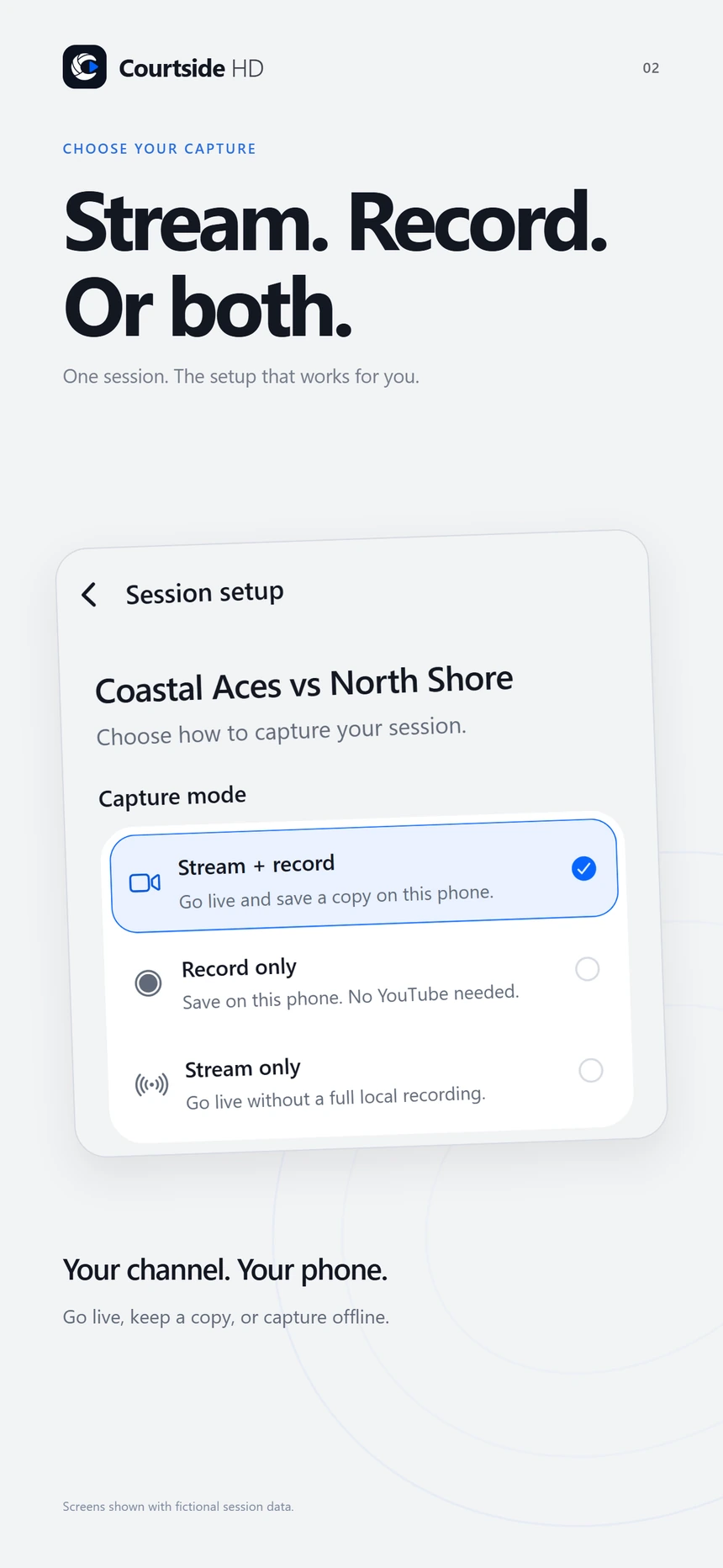
Stream + record
Send the game to your YouTube channel and keep a full recording on your phone.
Record only
Capture offline without connecting a YouTube account. Export your footage when you’re ready.
Stream only
Go live without saving a full phone recording. Choose whether to keep flagged highlight clips.
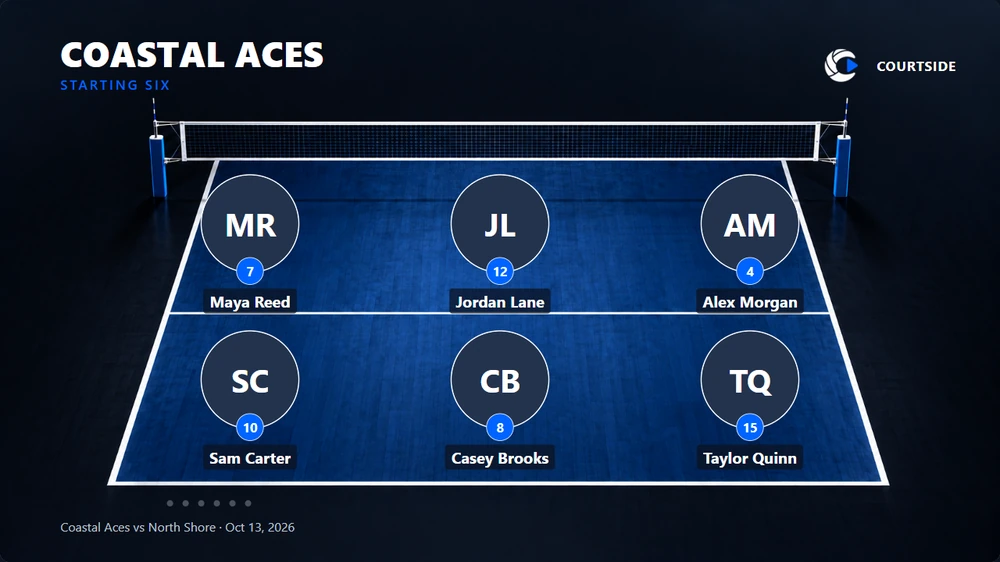
Put your team in the picture
Introduce your lineup with player spotlights and court graphics. Follow it with a compact corner overlay that leaves room for the action.
A closer look
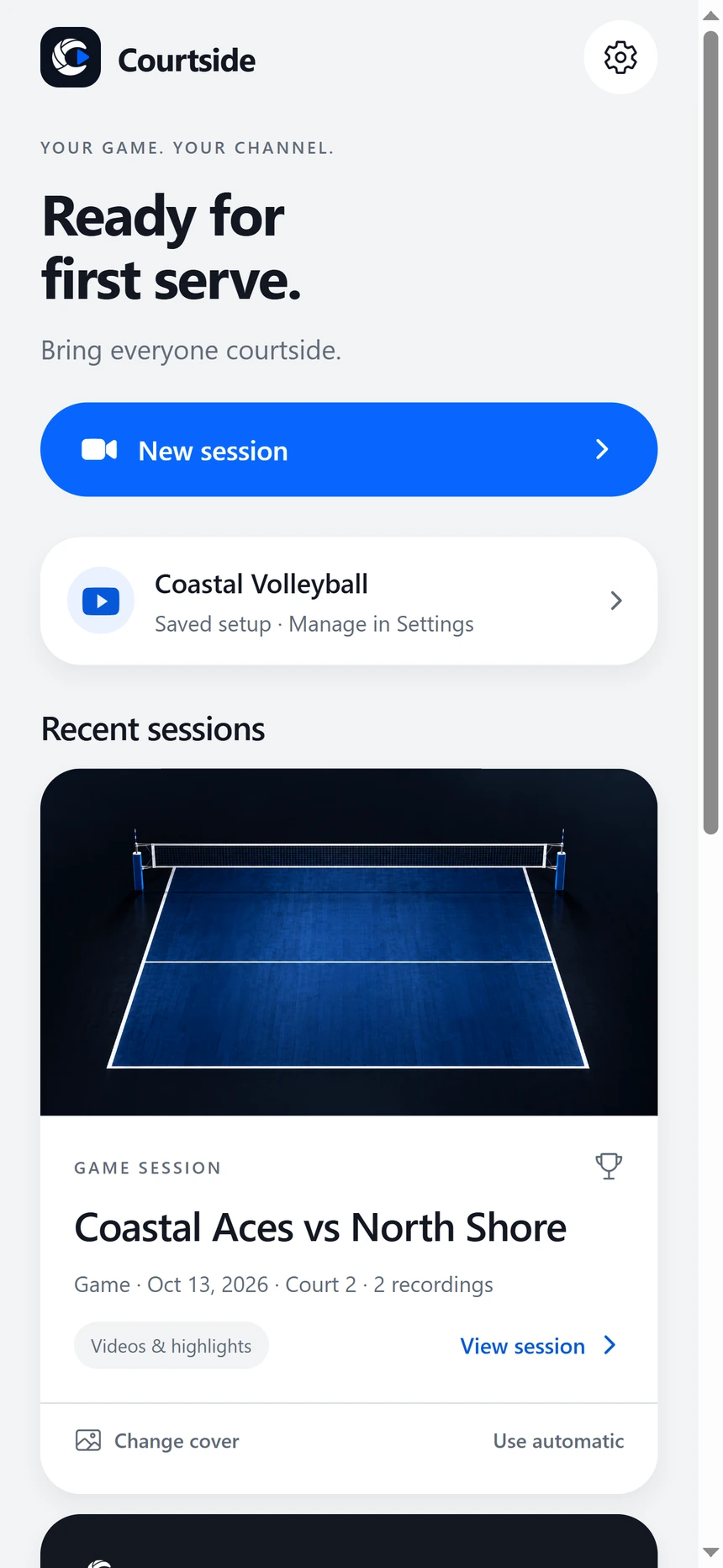
Take a look around Courtside HD. Select a screen to see the details.
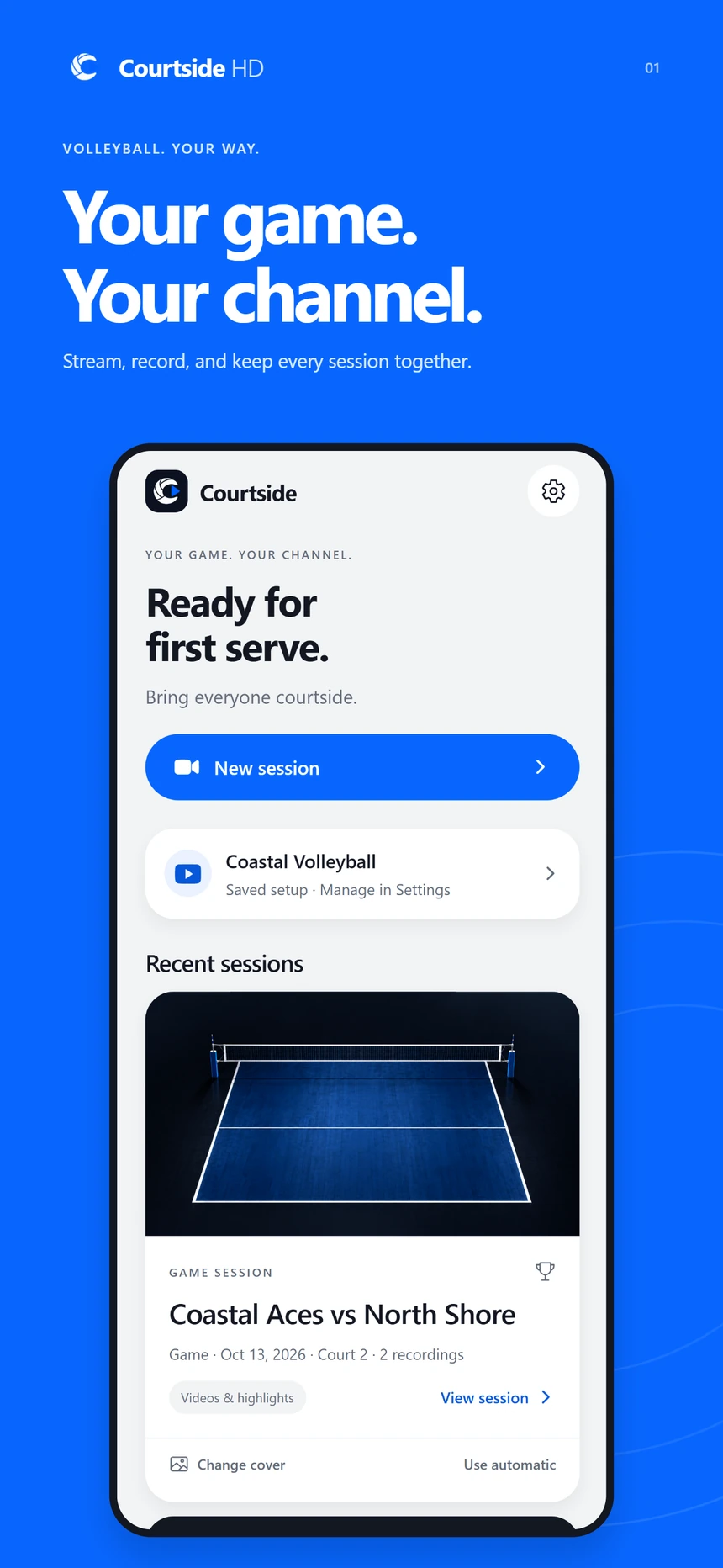
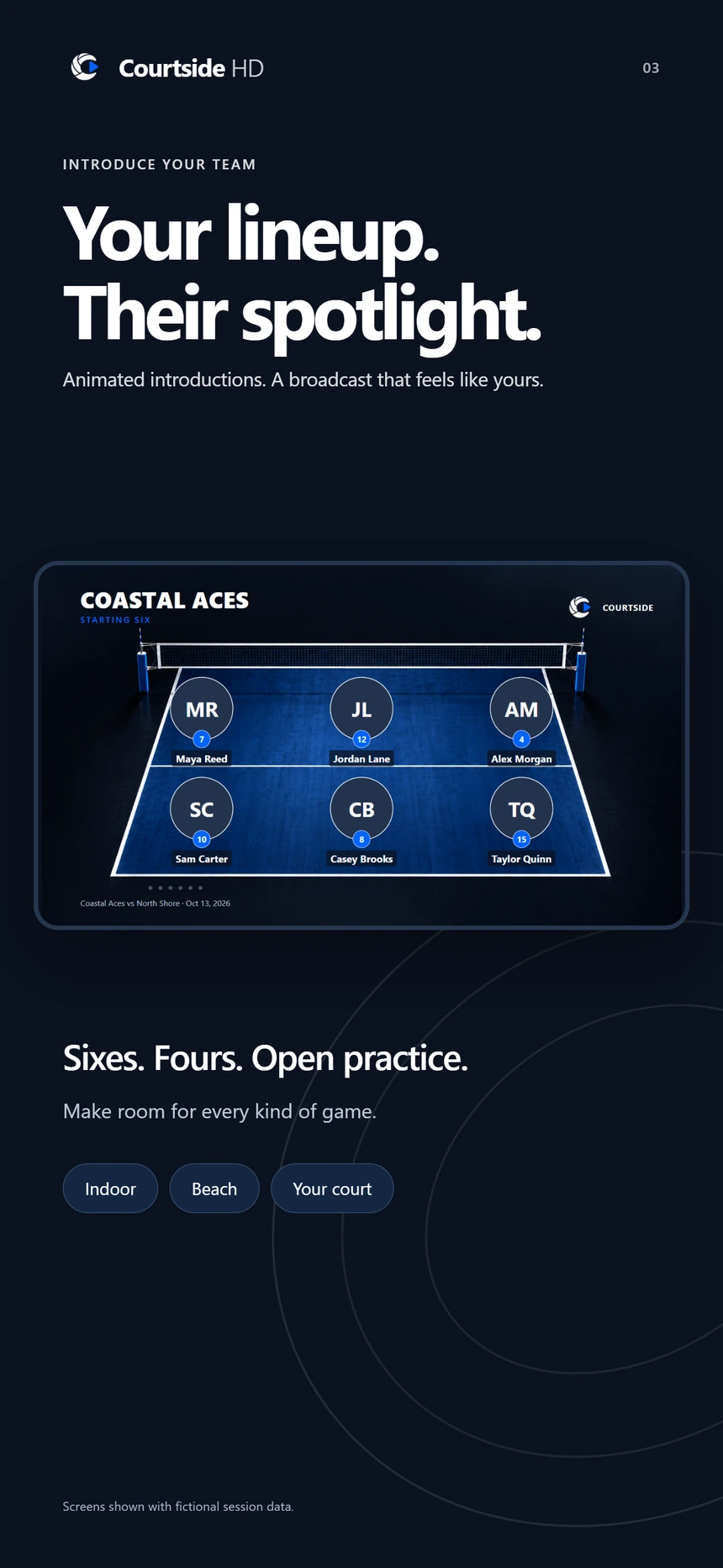
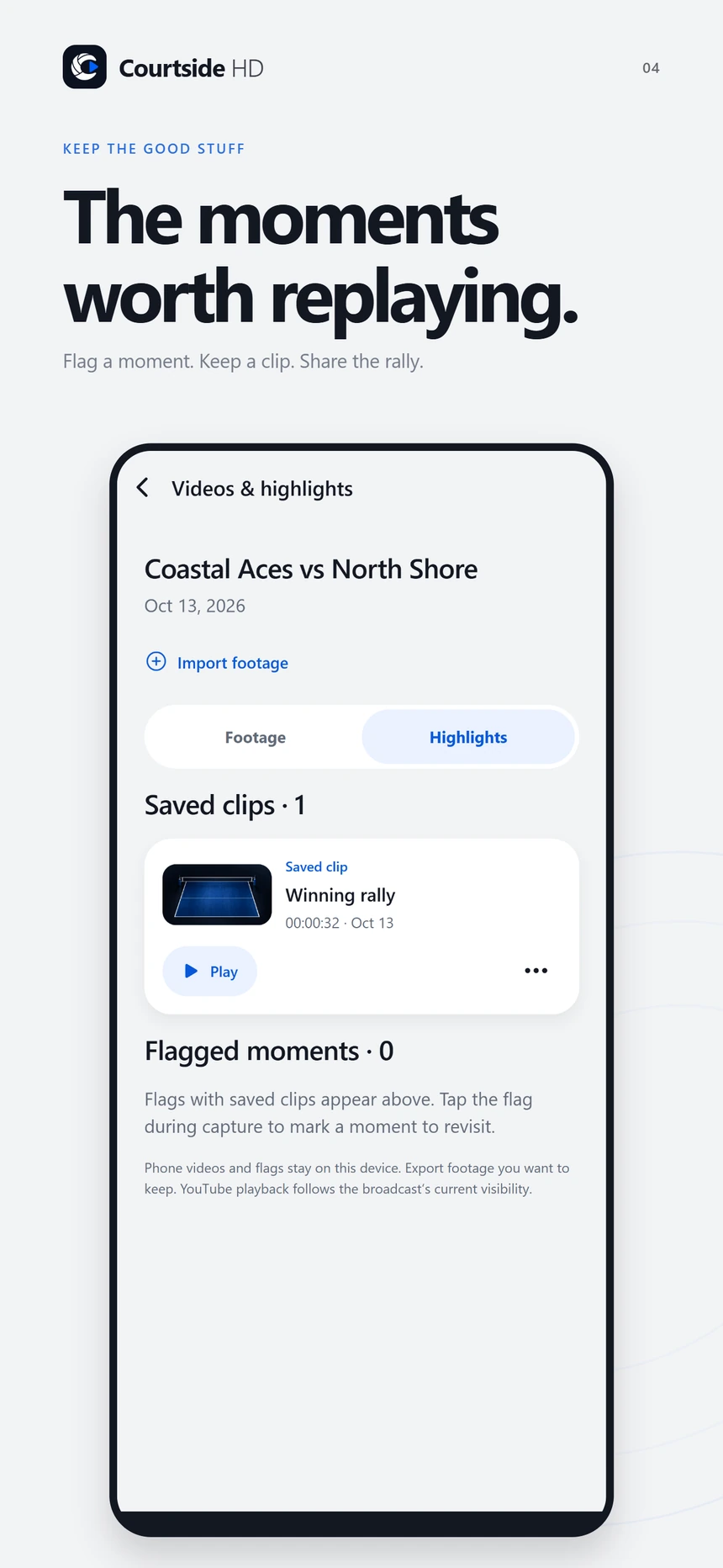
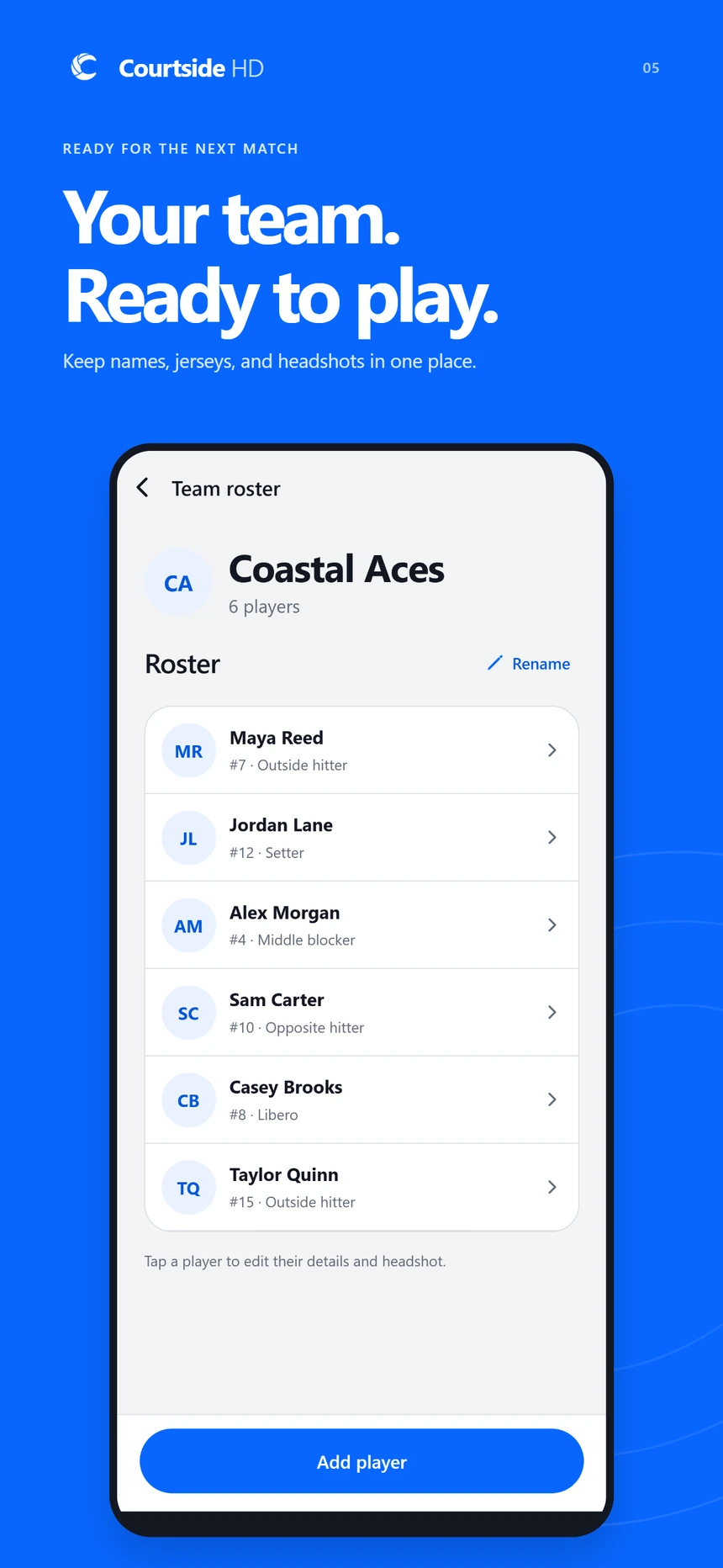
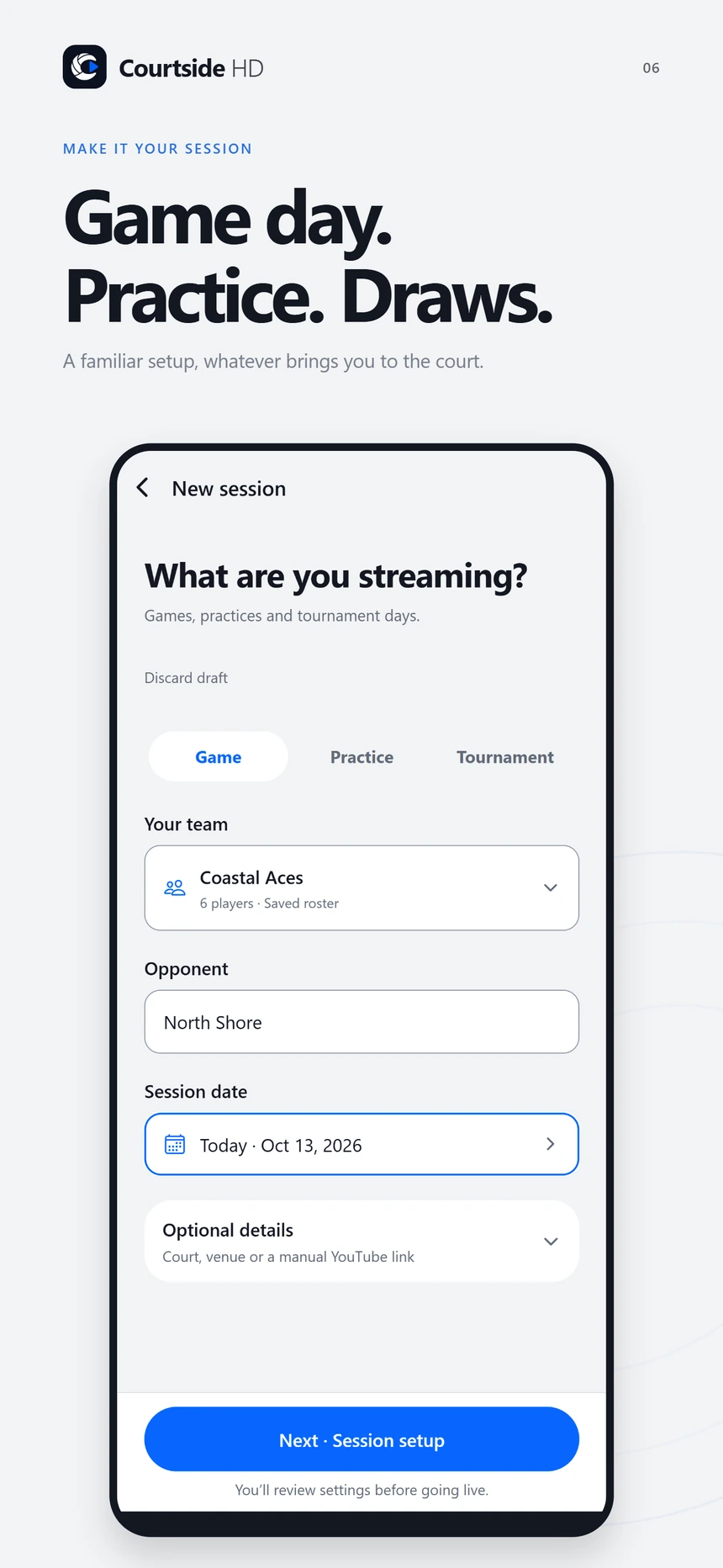
Pre-release app previews with fictional session data. App Store release coming soon.
The rally is only the beginning
Find phone recordings, linked YouTube broadcasts, and highlights inside the session they belong to.
Mark a moment during capture. With supported buffered highlights enabled, Courtside can also save a short clip around the flag.
Trim local or imported footage into a separate highlight clip. Export it without changing your original.
New connected broadcasts start with Private selected. Opening the camera is a preview; capture begins when you press Start. Your local footage stays on your phone until you choose to share it.
Read our privacy policySee you courtside
Courtside HD is coming soon to the App Store.
Questions? We’re here